Billing
Every team on DeepSource has a dedicated plan and associated billing. You can make changes to the plan and billing of your team from the team Settings.
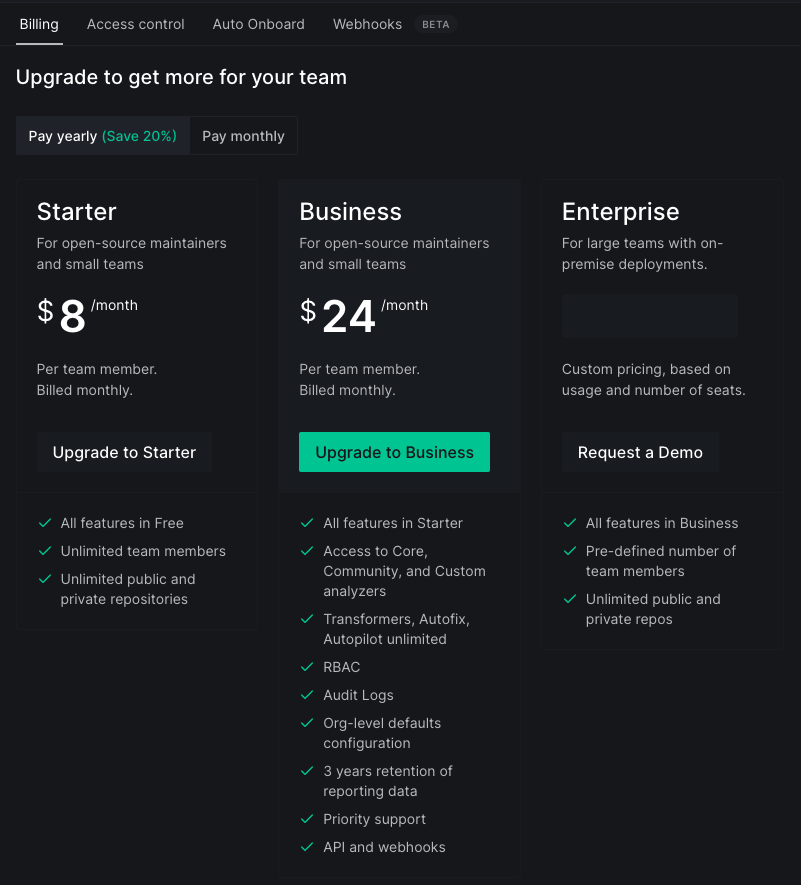
Upgrading from free to paid plan
If your team/organization account is on the free plan, then you can follow the steps below to upgrade your plan:
- Go to the Billing tab in Settings
- You can choose to upgrade to Starter or Business plan depending on your team's requirement
- On the next screen, You can set your billing interval as monthly or yearly, increase or decrease the number of seats in your team's account as per your requirements, and then enter the billing information such as E-mail, Name, and Credit Card number
- Pay securely with Stripe to make the payment of your plan
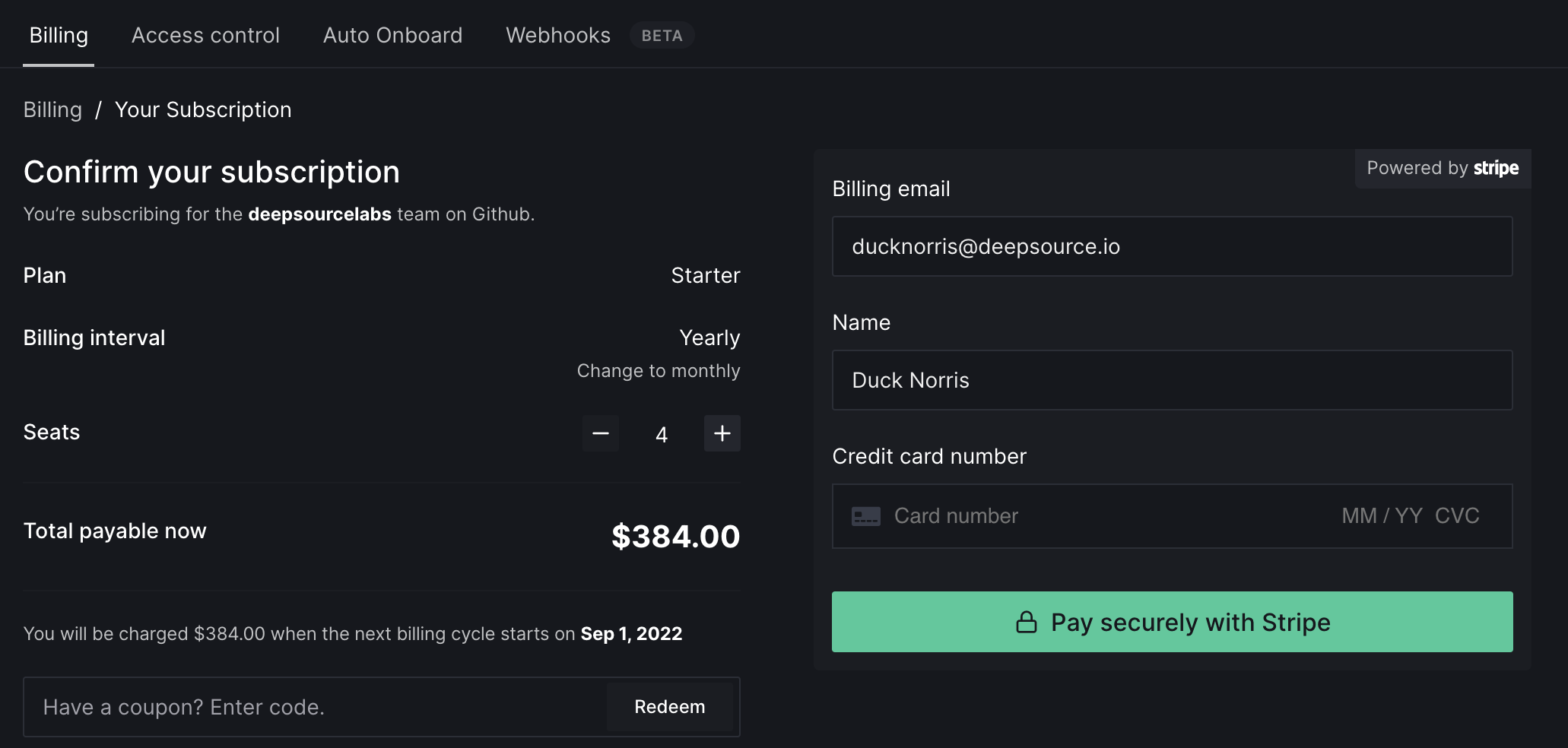
Making changes in the current plan
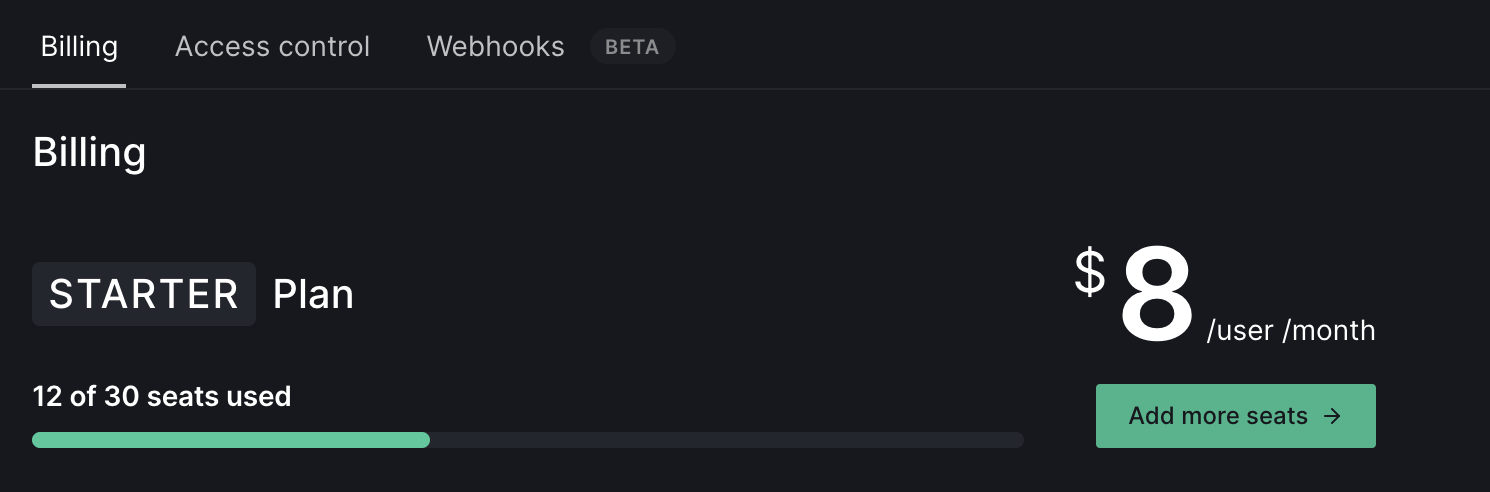
Adding or removing seats
The top-most section on the Billing page will display the details of your current plan like plan type, pricing, and billing interval. You can add or remove seats from your current plan by clicking on the Add more seats button.
What happens if I reduce the number of seats but the number of members in my team are more?
- Extra team members (Admins & Members) get demoted to the Contributor roles.
- Demotion of team members happens in the following order:
- First, team members with the Member role are demoted to the Contributor role.
- Then, if required, team members with the Admin role are demoted to the Contributor role.
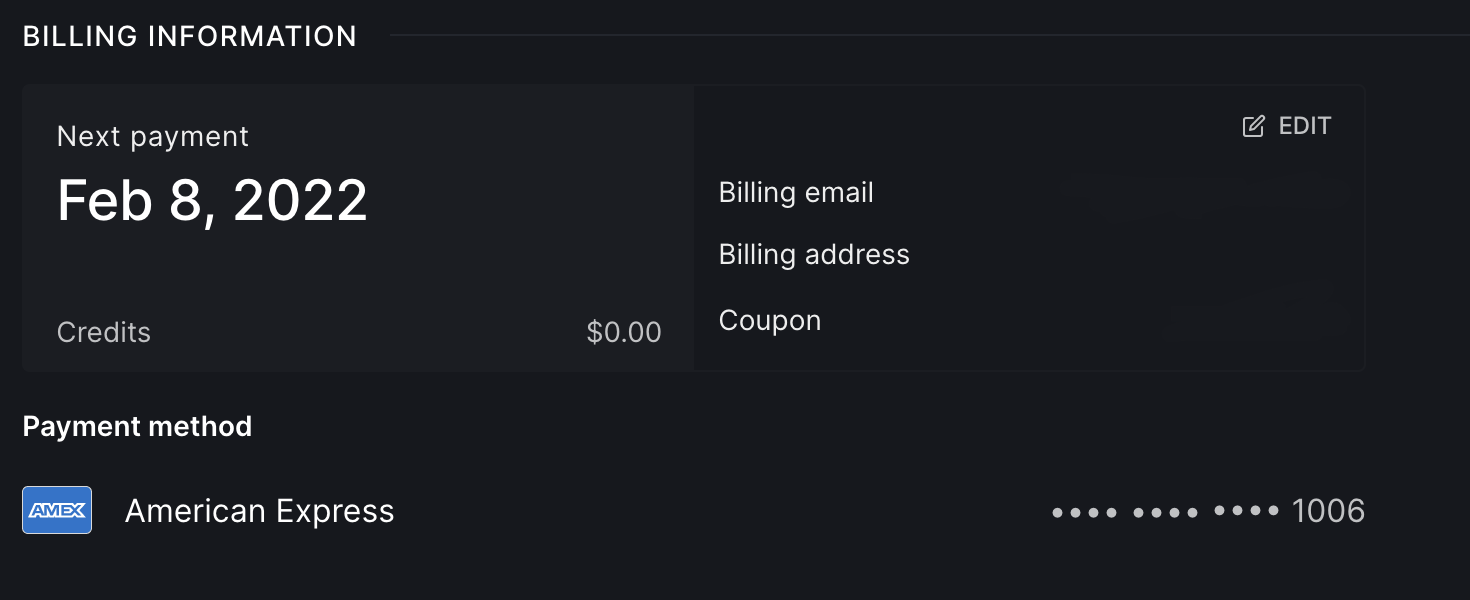
Modifying billing information
You can always change your billing information like e-mail and billing address at any point in time. You need to go to the Billing information section in Billing and then click on the Edit button on the top right corner of this section.
Invoices
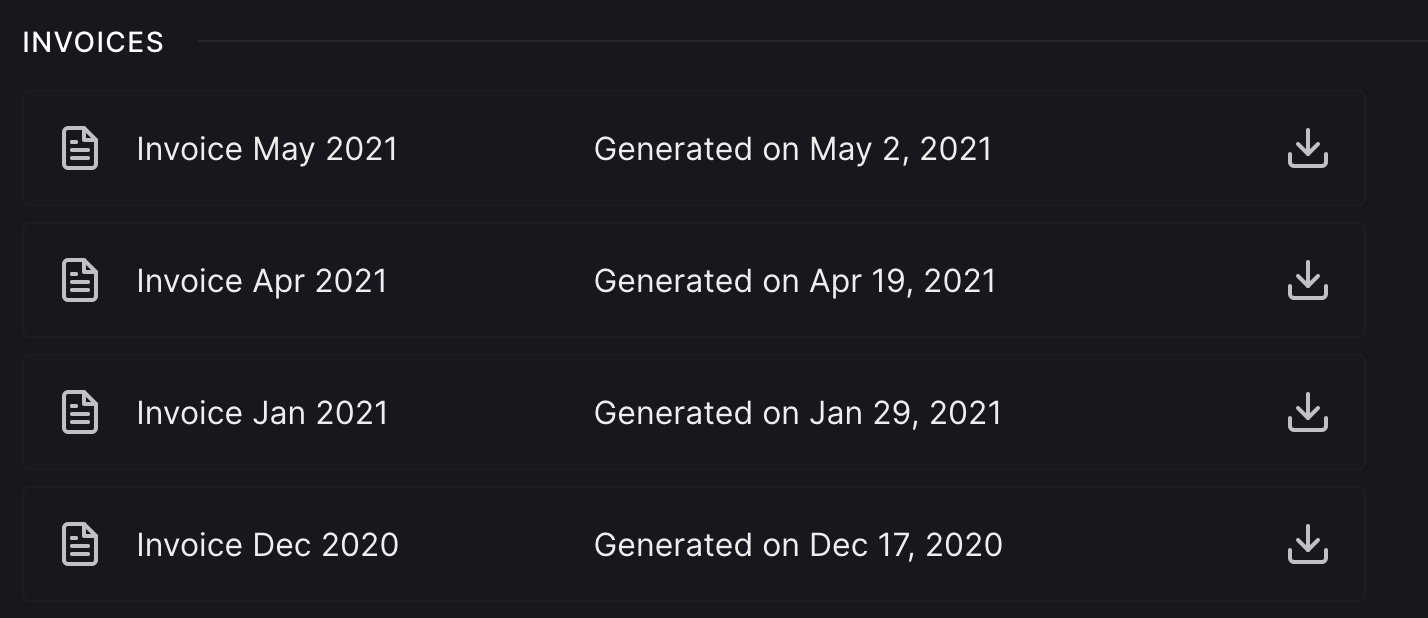
Invoices are generated for your every billing cycle. You can go to the Invoices section in Billing and take a look or download invoices from the past.
Switching the plan
You can switch from Starter plan to Business plan and vice versa by:
- Go to Billing in settings
- Go to the Subscription settings section at the bottom
- If you're on the Starter plan, you'll see the Upgrade to Business button to upgrade to the Business plan

- Or, if you're on the Business plan, then you'll see the Downgrade to Starter button to downgrade from Business to Starter plan

What happens when you downgrade from Business to Starter plan?
- Excess private repositories will get deactivated.
- The least recently modified repositories get deactivated first.
If you have any questions or need help with billing, please contact support@deepsource.io.