Troubleshooting
Troubleshooting
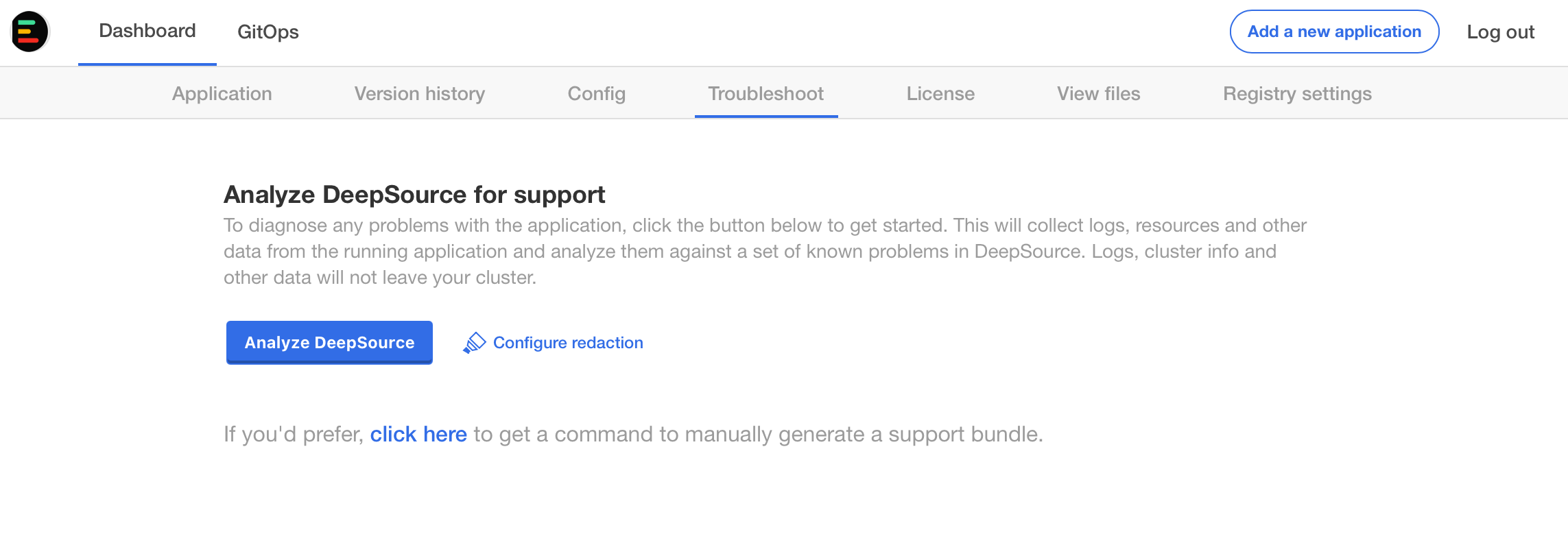
DeepSource Enterprise has a built-in troubleshooting tool. This collects and analyses logs and some system metrics to help you identify any problems within your cluster.
To generate a support bundle:
- Navigate to Application->Troubleshoot section in your Admin console.
- Click on the Generate a support bundle button.
- Click Analyse DeepSource button.
- In case you need help from our support team, you can press Send bundle to vendor to send the support bundle to us.
Troubleshooting from the CLI
If you are unable to access the Admin Console, you can run the command below to generate a support bundle from the CLI:
curl https://krew.sh/support-bundle | bash
kubectl support-bundle --interactive=false https://raw.githubusercontent.com/deepsourcelabs/enterprise-assets/master/troubleshoot/support-bundle.yaml
Allow a few minutes for the above command to finish exectution. The support bundle will be saved in the directory the command is executed from. The support bundle file will look something like support-bundle-2022-09-29T04_05_00.tar.gz.
Setup sentry
If you do not want the back-and-forth of creating support bundles and sending it to us, you can enable Sentry on your DeepSource installation.