Dashboard overview
Dashboard enables you to get an overview of the recommended issues from all of your activated repositories, and the actions that must be performed to become DeepSource power user.
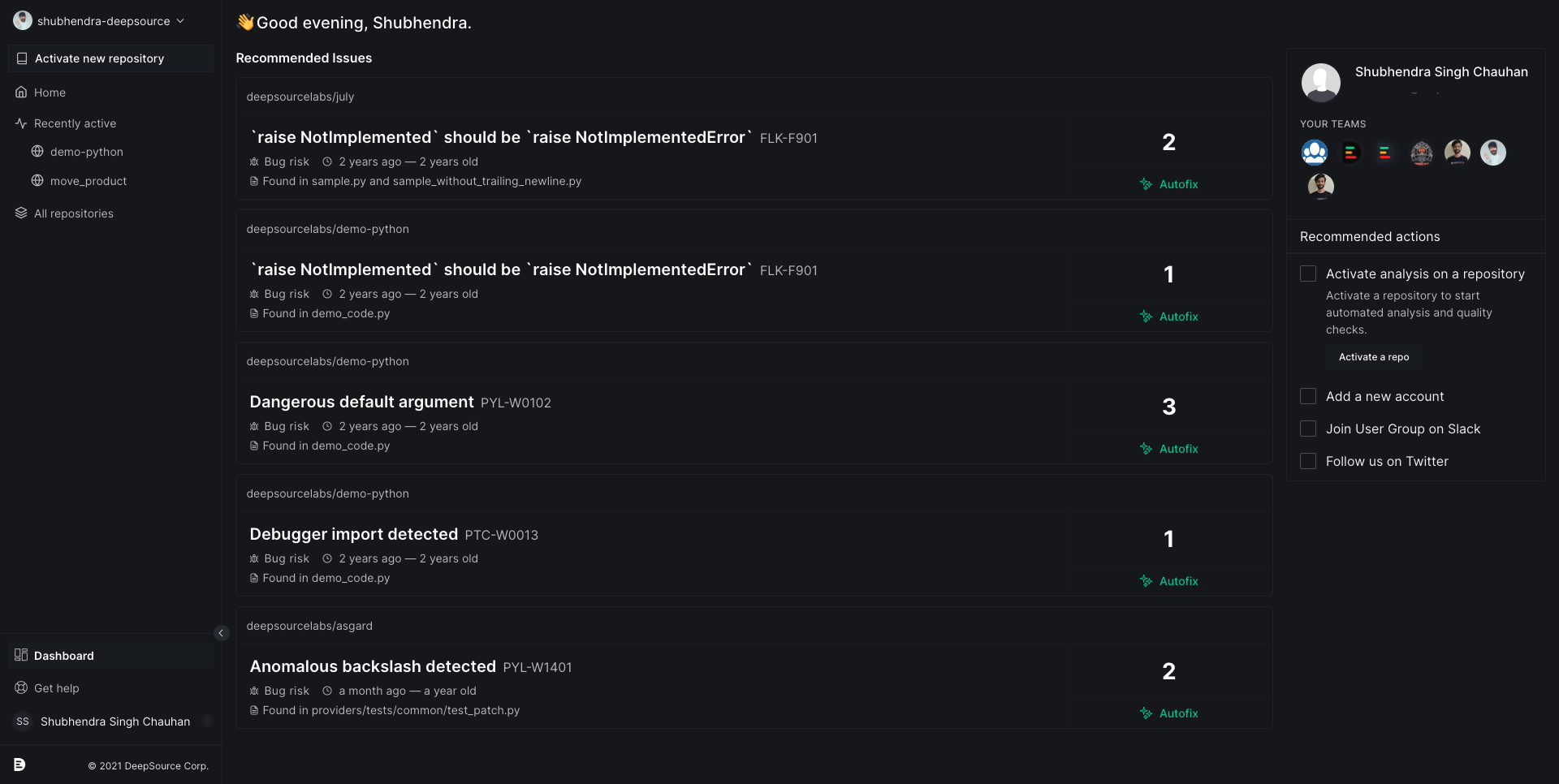
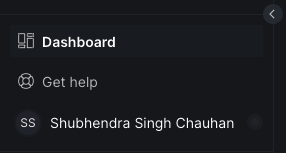
To open your Dashboard, Click on the Dashboard button on the bottom-left corner.
The following sections provide a detailed description of each dashboard area:
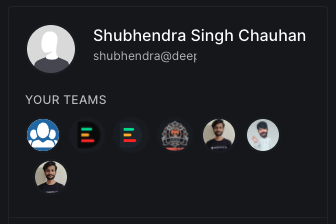
Your teams
This section of the Dashboard displays all the Individual and Team/Organization accounts linked to your DeepSource account irrespective of the VCS provider.
See also
Recommended issues
This section includes the top picks of most important issues from all of your activated repositories. These issues are curated by our ML-based issue relevance engine.

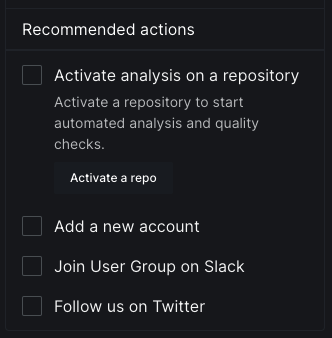
Recommended actions
This section includes some of the recommeded actions that one can perform to get the most of the DeepSource. If you're a new user of DeepSource then performing the recommended actions will help you onboard faster.