Home
The Team Home page is where all the information regarding your team's repositories and their analysis stats are present in one place.
With a personal account, which is not part of any team, this page displays the information for that account's active repositories' analyses
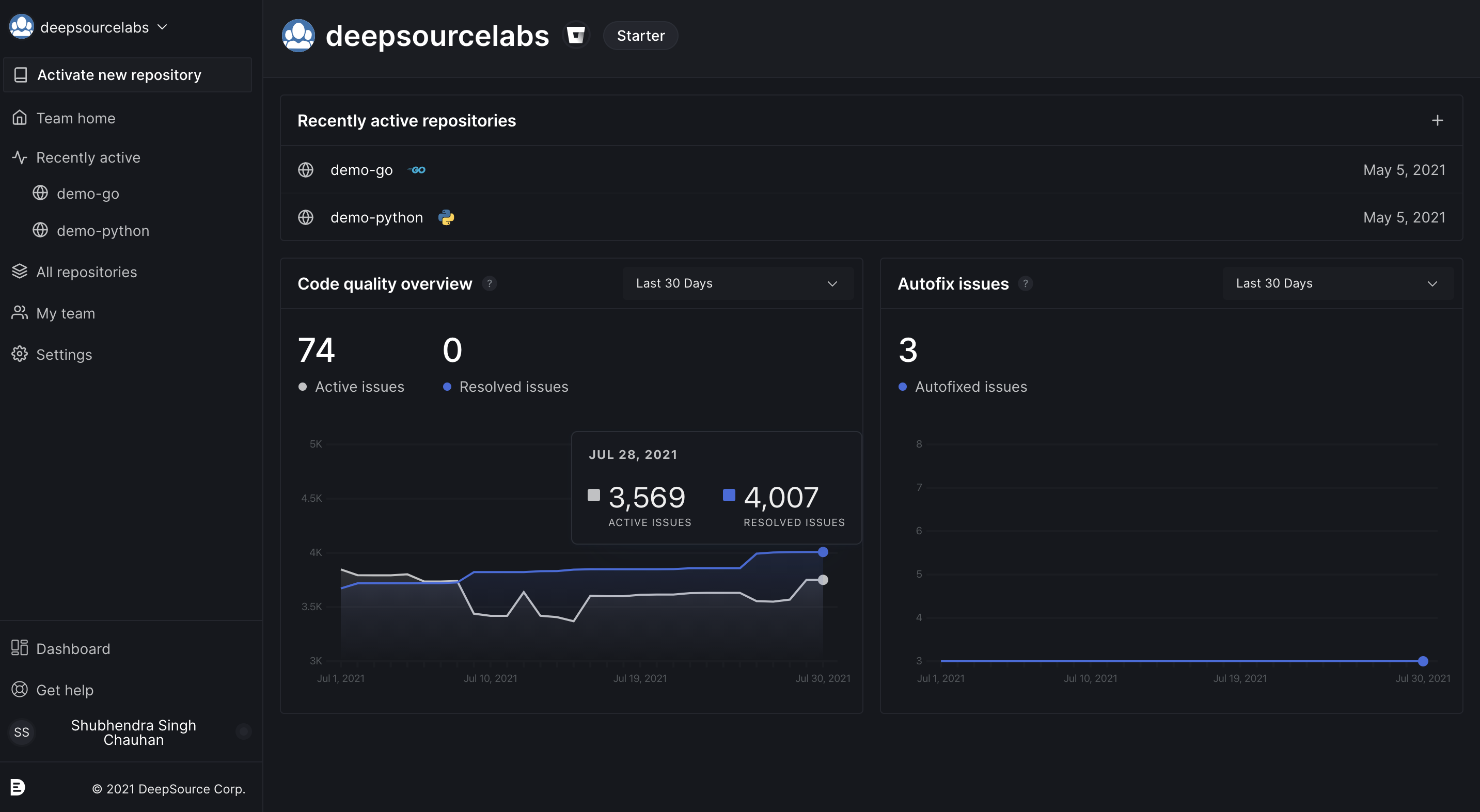
Navigating to your Home
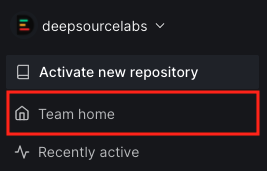
For Team/Organization accounts:
- Click on the Team Home on the left side-bar
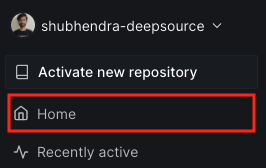
For Individual accounts:
- Click on the Home on the left side-bar
See also
Recently active repositories
This section lists repositories that were recently active. You can find the date and time when a repository was active last, next to the repository name. The + button on the top-right corner can be used to activate new repositories.
You can click on any of the recently active repositories to go to the Repository Dashboard where you will find a summary of all analysis-related data. The Repository Dashboard contains all analysis data for a repository within its various tabs.

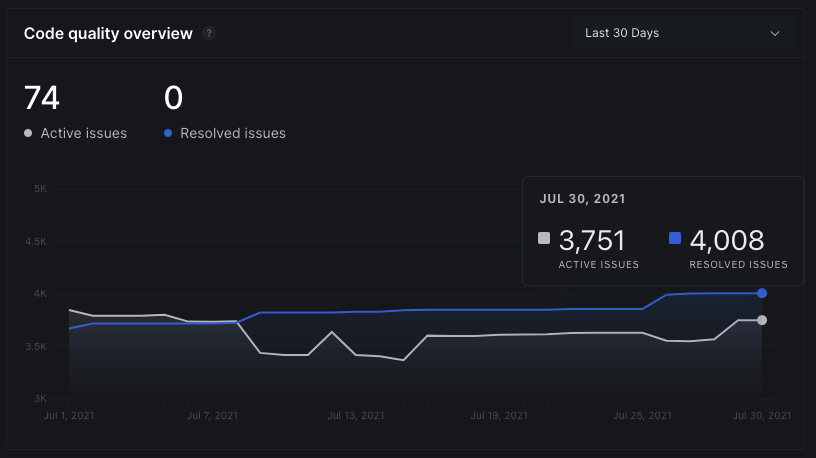
Code quality overview
- The
Code quality overviewgraph shows a graphical trend of the number of issues detected vs the number of issues fixed in all your repositories over time. - You can filter the duration to display data between the last 30, 60 or 90 days.
- On hovering over any of the lines, you can see the exact number of issues found and issues fixed for that span of time.
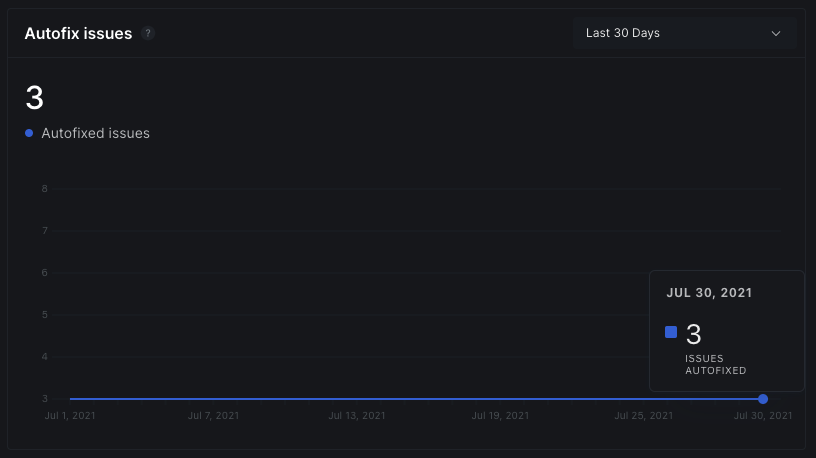
Autofix overview
- The
Autofix overviewgraph shows you the number of issues fixed over time using the Autofix feature in all of your team's repositories. - Like with the Issue volume graph, you can set the time period to any range in the last 30, 60, or 90 days.
- On hover, you will find the number of issues autofixed in the selected time period.
Account setup checklist
- The account setup checklist lists out milestones you could follow to get the most out of what DeepSource has to offer.
- Though all milestones are not necessary to make analysis work, it's highly recommended that you complete all the items on your account's checklist.
- Once all milestones are completed, the checklist will no longer be visible on your dashboard.
